Anyone Home @ Google Calendar?
I've been getting into a rhythm on importing my schedule into Google Calendar over the last couple of months. Once it's available in final format from my company I'm usually able to upload my custom made, Google tailored-CSV file so that my family and friends are aware of my "awesome" overnights. But during the last few weeks, I've been unsuccessful at too many attempts.
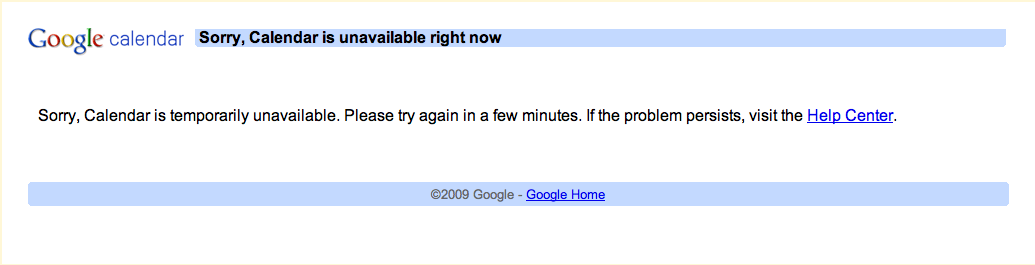
Trying to import a CSV file so that I wouldn't have to manually add each line item one at a time, I found myself editing it over and over thinking it was my fault that I didn't format it correctly. I even copied the example that Google provides with their respective headers (Google Help:About CSV Files), added it to the first line of my CSV file and crossed my fingers. Result --> #FAIL
After two weeks of failure on what I can only determine is / was on Google's Part, I was able to successfully import my CSV file only when it contained 4 lines under the header. This idea was originally put forth by another fellow Google Calendar user by the name of "Ripp" where he was able to successfully import his CSV file 8 lines at a time. My CSV file was, without a doubt, formatted correctly as I've been doing this for the last few months. If you are wondering what calendar I am importing into, you can access it located immediately to the right under "Personality Links - current flight schedule"
Over the last few months, many users of Google Calendar who rely on importing their own CSV files have complained in Google's support forums specifically under "calendar not loading". Many have seen constant outages on various Sundays throughout the year and others have seen that the process of uploading a CSV or CalDEV file remains hopeless. User "Coach McGurk" posted an issue back on April 30th with the suspicion that Google abandoned the Calendar application and even diagnosed the service issue.
I have managed to find some more info on what is failing.
The service at: http://www.google.com/calendar/upload_event is what has broken. Neither CalDAV nor csv will upload regardless of browser, location, http vs https, or calendar being uploaded to.
Of course, just a couple of days later, the service was up and running once again.
It's hard when you come to depend on a company like Google for your simple "cloud" services if the cloud is raining constantly. I've been using gcal and gmail for the last couple of years, but just lately, the syncing, lack of push on the iPhone and proper IMAP configuration, as well the shortfall of what MobileMe has not become, I just don't know what to do anymore. It's more than frustrating that I have to spend more than 1-2 hours a week troubleshooting this. Why can't we just have something that works properly? It's 2009 guys.